
Help · Setup basics
Set up your convention's details
Name, public address, dates, venue, time zone, and how attendees reach you. Do this before anything that has a time in it.
Checked against the app on November 12, 2026.
Open this page in RallyPoint (opens in a new tab)
When you need this
Right after you create the convention, and before you build anything that has a time in it. Details holds the convention’s name, its public address, its dates, where it happens, the time zone every time on the platform is entered and shown in, and how attendees reach you.
The time zone is the one to get right first. Timespans, events, sale openings, and deadlines are all entered in it. You can change it later, but a change moves things. See below.
Where it is
Open your convention’s organizer dashboard and choose Details in the navigation.
What is on the page
Four sections. Each one shows a Modified chip while it holds an unsaved change, and the save bar at the bottom saves all four at once.
Identity
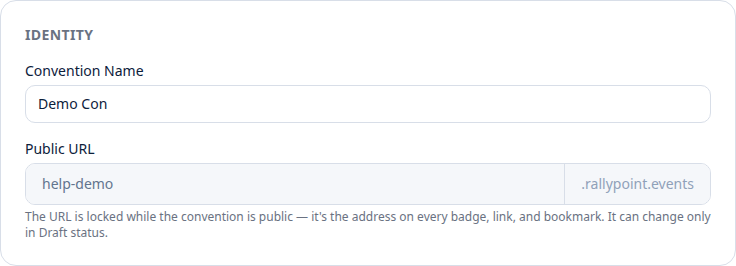
- Convention Name: what attendees see everywhere.
- Public URL: the part of the address before
.rallypoint.events. Lowercase letters, numbers, and single hyphens. While the convention is a draft you can change it, and the page moves to the new address when you save. Once the convention is public the field locks, because the URL is on every badge, link, and bookmark.
Dates
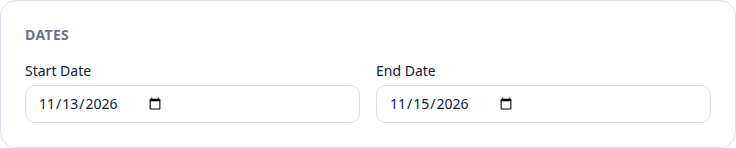
- Start Date and End Date: the days the convention runs. Setup and teardown windows are operational timespans, not dates on this page.
Venue
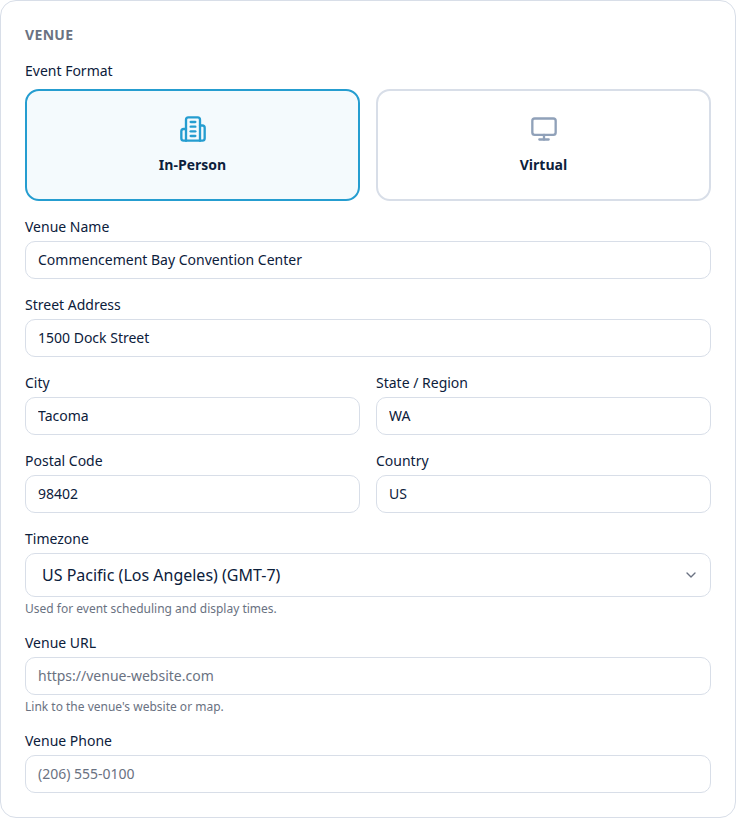
- Event Format: In-Person or Virtual. Virtual hides the street address fields.
- Venue Name, Street Address, City, State / Region, Postal Code, Country.
- Timezone: type a city or region to search. For a virtual convention this is the shared reference clock for everyone, wherever they are.
- Venue URL and Venue Phone.
Contact
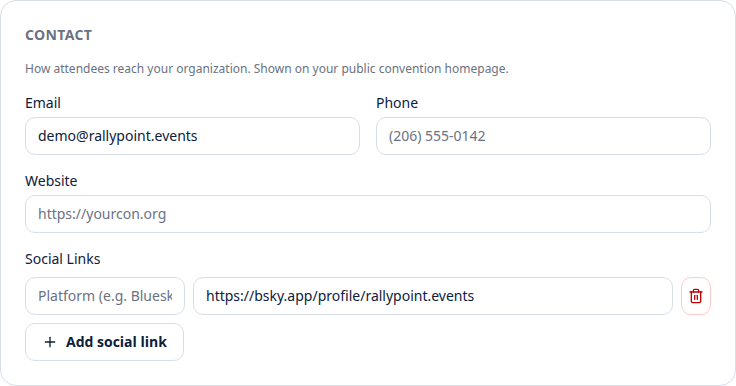
- Email, Phone, and Website: shown on your public convention homepage.
- Social Links: a platform name and a URL per row. Add as many rows as you need. A row with no URL is dropped when you save.
Saving
Press Save changes in the bar at the bottom. The bar reads Unsaved changes while there is something to save and Saved once it lands. It stays disabled while the name or the public URL is blank. A refused save shows the reason in the bar and keeps your edits so you can fix them.
Changing the time zone
Pick a new zone and save. Before anything changes, a dialog shows the new zone, the clock there right now, and a count of everything you have already entered that depends on it: events, timespans, sale openings, deadlines, shifts. Then one choice.
- Move everything keeps the times as you typed them. A 1:00 PM panel is still at 1:00 PM in the new zone. This is the choice when you picked the wrong zone and the schedule was always meant to read in the new one.
- Move nothing keeps the exact moments. That panel shows at a different clock time. This is the choice when the moments were right and only the label was wrong.
Closing the dialog or pressing Cancel puts the previous zone back. Confirming moves the zone first, then saves the rest of the page as usual.
What can go wrong
A refusal comes back as a sentence in the save bar, and your edits stay on the page. These are the ones this page can produce. Where the sentence already says what to do, that is all there is to it.
- The URL must be 3–63 characters of lowercase letters, numbers, and single hyphens, starting and ending with a letter or number.
- That address is reserved for platform operation — pick another. Do this: a short list of addresses is kept for the platform itself, such as the ones that serve the app and the API. Add your year or your city.
- That address contains language we can’t put in a public web address. Do this: choose different words.
- That URL is already taken by another convention.
- The URL can only change while the convention is a draft — it is public now. Do this: on the Configuration page, set the status to Draft, which takes the public site back to its coming-soon teaser. Change the URL, save, then set the status back. Anything already pointing at the old address stops working.
- End date can’t be before the start date.
- That is not a time zone we recognize. Do this: pick the zone from the search list rather than typing a name. The list is the complete set the platform accepts.
Related
- Next in setup: timespans, the blocks of time your events are scheduled into.